

Shopify's app ecosystem is a $billions opportunity. With over 1.7 million merchants, there's massive demand for apps that solve specific problems. This guide will walk you through the fundamentals of Shopify app development.
Types of Shopify Apps
Public Apps
Listed on the Shopify App Store. Available to all merchants. Revenue share with Shopify (15-20%).
Custom Apps
Built for specific merchants. Not listed publicly. No revenue share.
Private Apps
Legacy option. Limited API access. Being phased out in favor of custom apps.
Getting Started
1. Create Partner Account
Sign up at partners.shopify.com. It's free and gives you access to development stores.
2. Set Up Development Store
Create unlimited test stores through Partner Dashboard. These are free and can be transferred to clients.
3. Choose Your Stack
Shopify recommends Remix (React) with the official CLI. Node.js, Ruby, and PHP are also supported.
Key Concepts
OAuth Authentication
Apps use OAuth 2.0 to authenticate with merchant stores. Understand scopes and permissions.
Shopify Admin API
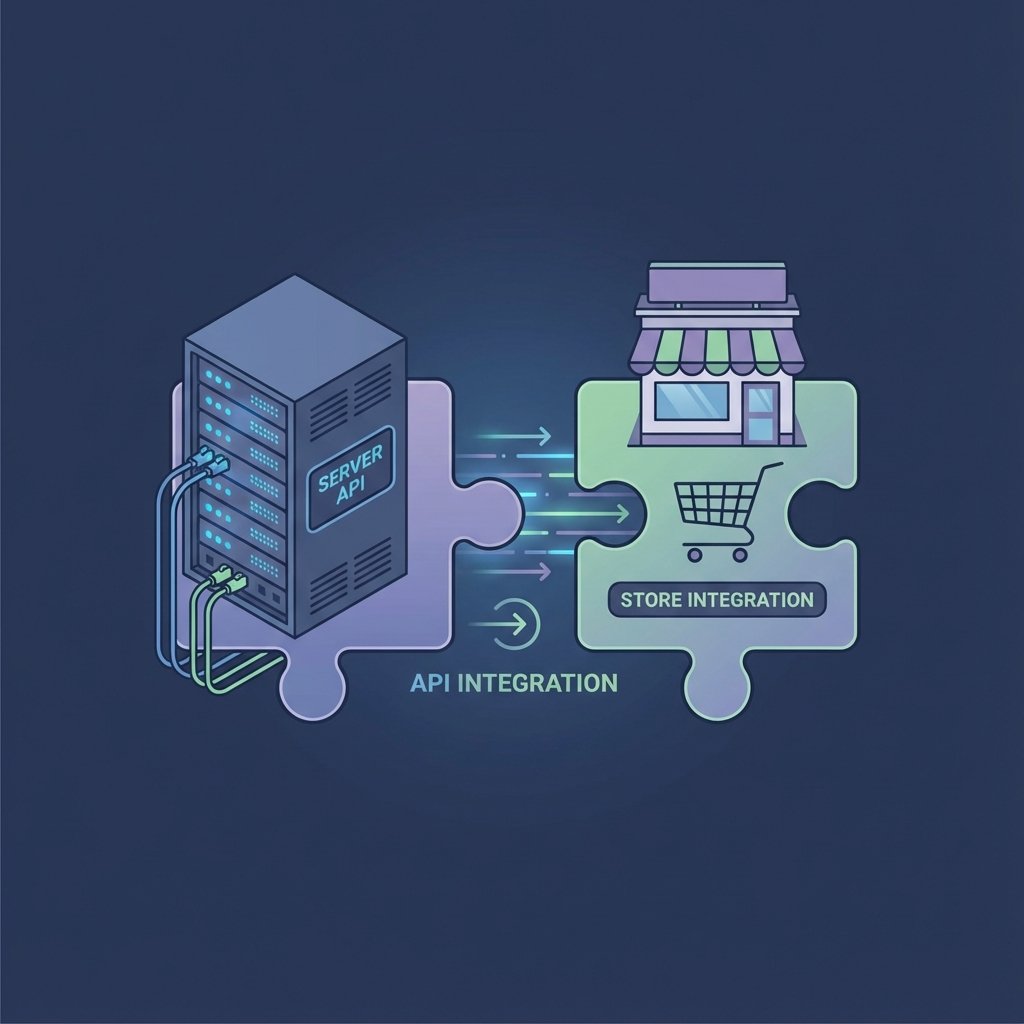
GraphQL and REST APIs for managing products, orders, customers, and more.
Storefront API
Build custom storefronts and checkout experiences.
Webhooks
Subscribe to events (orders created, products updated) for real-time data.
Best Practices
- Follow Shopify's design guidelines (Polaris)
- Optimize for performance
- Handle rate limits gracefully
- Implement proper error handling
- Store data securely
Monetization
Apps can use subscription pricing, one-time charges, or usage-based billing through Shopify's billing API.