

Shopify's Online Store 2.0 update revolutionized theme development by introducing JSON templates. This shift from Liquid templates to JSON allows for modular sections on every page, not just the homepage. Here's how to master this powerful feature.
Why JSON Templates?
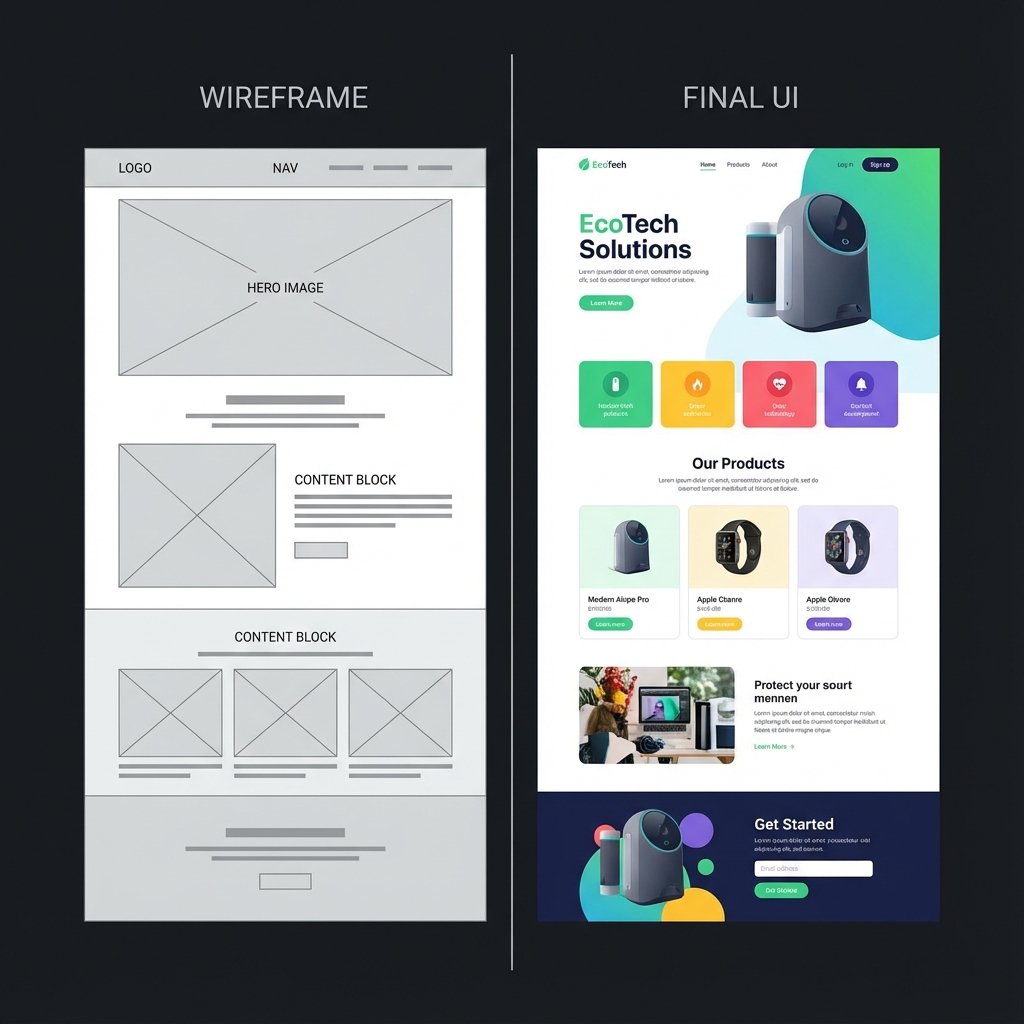
JSON templates define the structure of the page, storing settings and section order. This separation of data (JSON) and presentation (Liquid sections) enables:
- Drag-and-drop sections everywhere: Merchants can add/remove sections on product pages, blogs, and custom pages.
- App Blocks: Apps can inject code cleanly without modifying theme files.
- Better Performance: Structured data loads efficiently.
Anatomy of a JSON Template
A typical product.json file looks like this:
{
  "sections": {
    "main": {
      "type": "main-product",
      "settings": {}
    },
    "recommendations": {
      "type": "product-recommendations",
      "settings": {}
    }
  },
  "order": [
    "main",
    "recommendations"
  ]
}
Best Practices for 2.0 Themes
1. Modularize Everything
Break down large sections into smaller, reusable components. Use blocks for granular control within sections.
2. Use Presets
Define default settings in your section schema so merchants can add sections with a single click, pre-configured for success.
3. Leverage Dynamic Sources
Connect section settings to metafields. This allows merchants to update content via the Admin without touching code.
Migrating from Legacy to 2.0
Converting an old Liquid template to JSON involves moving the Liquid code into a section file and creating a JSON file that references it. It's a straightforward process that unlocks massive value for your clients.